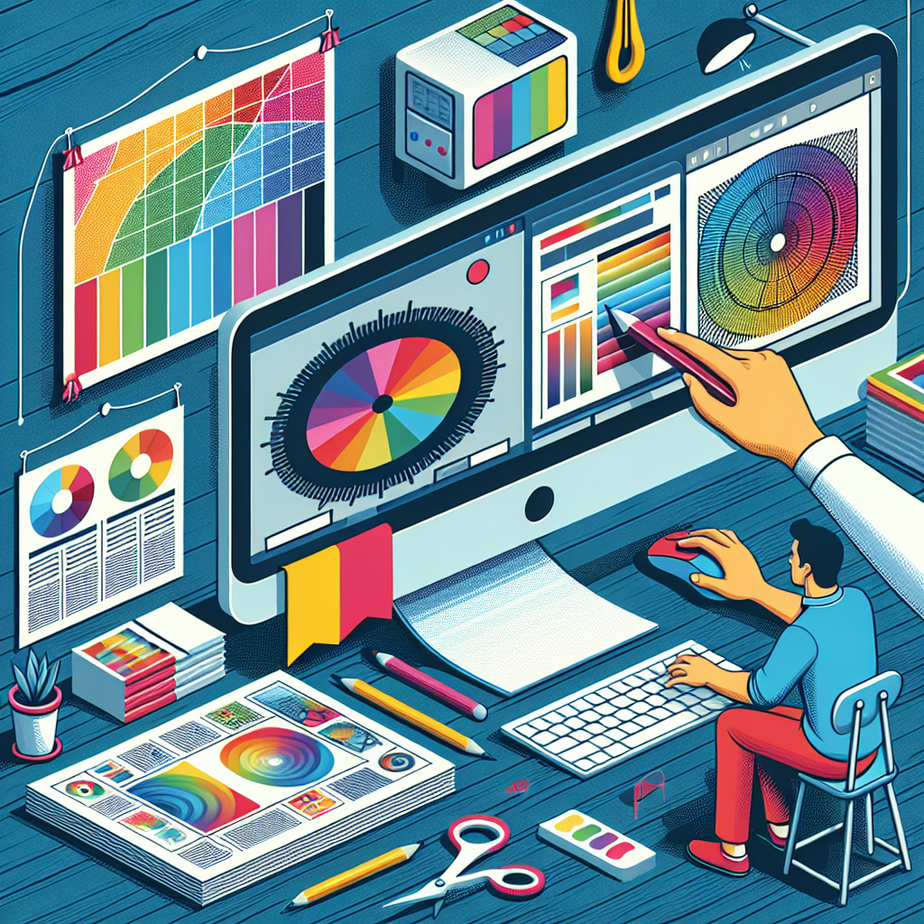
As digital design becomes increasingly sophisticated, ensuring your printed materials match your vision is crucial. Whether crafting a brochure or designing an intricate poster, one critical step that’s often overlooked is verifying the colors in your PDF before sending them to print. Fortunately, Adobe Acrobat provides an invaluable tool—the Output Preview panel—to help designers detect color issues that could ruin a project.
The Output Preview panel in Adobe Acrobat is a powerhouse for verifying colors. This feature allows you to simulate how your document will look once printed, showcasing any potential discrepancies in hues or shades. It can reveal whether colors are outside the permissible printing range (also known as CMYK), which is crucial since what looks vibrant on a screen may turn out dull or inaccurate once printed. Exploring the nuances of this panel can significantly enhance the reliability of your designs and save time and resources before they go to press.
Running a color check through Output Preview is less daunting than one might think. By accessing this tool in Adobe Acrobat, you can quickly toggle between different printing simulations. This capability highlights how your chosen colors will appear, giving you the foresight needed to make critical adjustments beforehand. It’s similar to a dress rehearsal for your PDF, revealing if certain elements need a tweak to avoid poor print outcomes. Ensuring that all colors remain within the gamut of CMYK printing can dramatically improve the final output.
Moreover, for those diving into print design, understanding color spaces can elevate your work. Color discrepancies often stem from misalignment between digital color models (such as RGB) and print models (CMYK). Acrobat’s Output Preview helps bridge this gap, offering insights that aren’t apparent during the digital design stage. Such knowledge can turn good prints into great ones, helping designers gain deeper comprehension and control over their projects.
In conclusion, investing time in learning how to properly check colors in a PDF using Adobe Acrobat can greatly enhance your print results. Engaging with the Output Preview panel not only safeguards against undesired variations but also refines your overall design process. By leveraging this tool, designers can confidently create vibrant, precise printed materials, effectively translating their digital art to the physical world without compromising on quality.